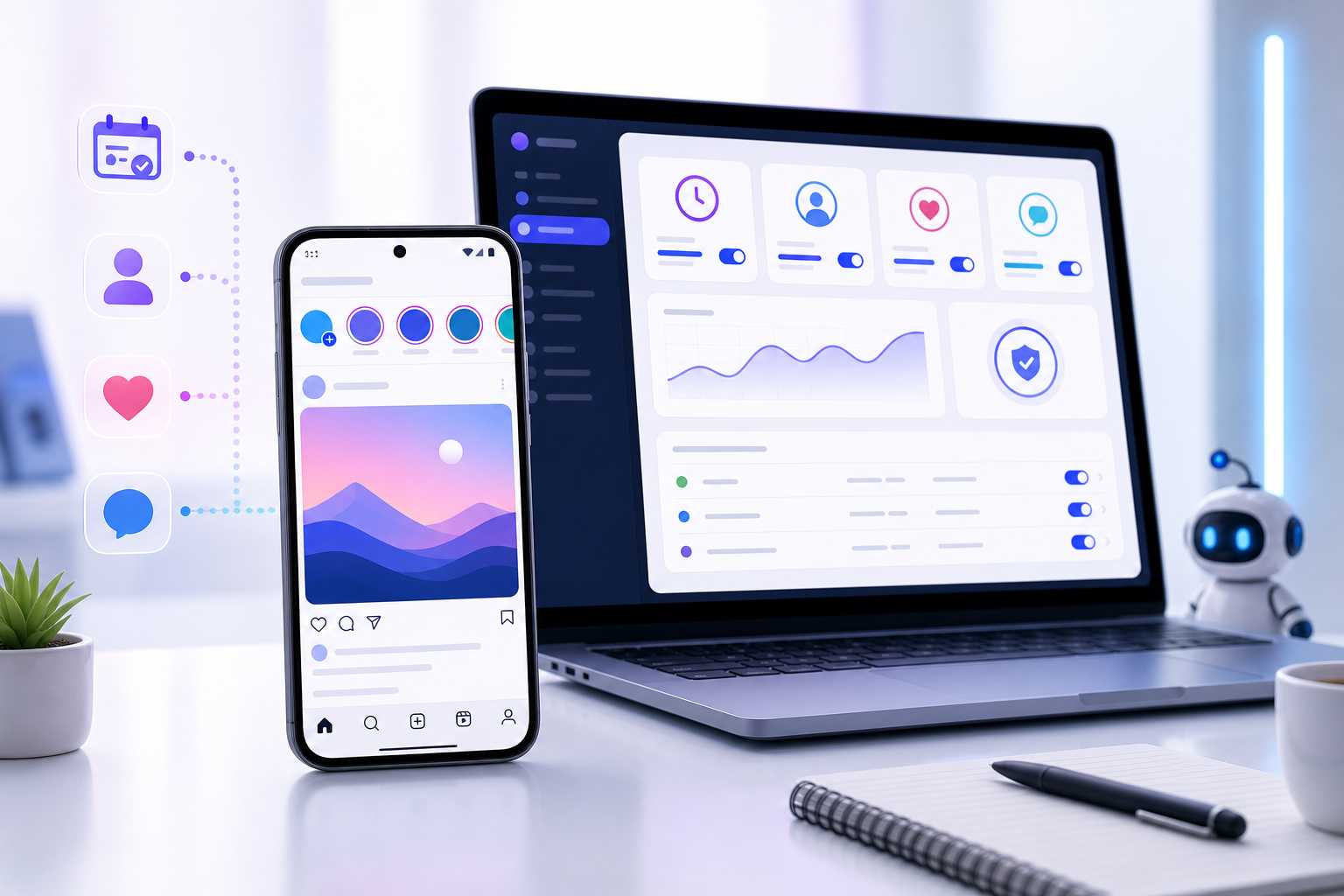
Instagram can be a strong channel for reach, testing offers, and building social proof, but the daily work behind it is often repetitive. Finding sources, viewing profiles, liking relevant posts, following selected accounts, checking logs, and keeping activity at a sensible pace can take more time than the actual content strategy. That is why I wanted to take a closer look at SMTasker, a tool built around instagram phone automation instead of the usual browser-only automation setup.
The main difference is easy to understand once you see the workflow. SMTasker runs Instagram routines through Android phones or emulators while the user controls everything from a desktop dashboard. In practice, this makes the process feel more visible and more controlled. You can see which device is connected, choose the source for an action, set limits, decide active hours, and check what happened afterward.
Why phone-based automation feels more natural
Instagram started as a mobile-first social platform, and even today the app experience is the center of how people use it. The platform is built around feeds, stories, reels, profile activity, and mobile interactions. For context, Instagram has always been closely tied to mobile behavior, which is why a phone-based setup feels more natural than forcing every action through a browser session.
SMTasker leans into that. Instead of hiding the process in a cloud tool that you cannot really inspect, it lets you build routines around Android devices. Android is also practical because it is widely used, flexible, and easier to manage for this type of controlled automation setup.
What I liked about the workflow
The strongest part of SMTasker is that it does not try to sell automation as a magic growth button. It feels more like an operating panel for repetitive Instagram work. You still need a real strategy, decent targeting, and content that people care about. The software is there to reduce the manual workload around that strategy.
For example, a user can set up actions such as profile viewing, likes, follows, unfollows, comments, reels or story-related activity, and other engagement workflows. The useful part is that these actions can be controlled with sources, filters, limits, active hours, and logs. Most people do not need maximum volume. They need repeatable activity that does not become chaotic after the first few days.
I also like that SMTasker works better as a gradual system. A new user can start with one simple task, such as viewing or light engagement, then add another workflow only after the first one is stable. This is a much healthier way to use instagram phone automation than turning on everything at once and hoping the account survives.
Safety and control are the real selling points
No automation tool can promise that a platform will never limit an account. That would not be realistic. What SMTasker does well is give the user more control over how automation is used. The ability to set schedules, review logs, use limits, and work from Android devices makes the setup easier to manage than a black-box service.
This is especially helpful for agencies or anyone running several accounts. When multiple profiles are involved, small details become important: which source is used, when an account is active, what action was completed, and whether a specific workflow should be paused. With SMTasker, those details are easier to keep organized.
Who should consider it
SMTasker is probably not for someone looking for instant viral results or a one-click shortcut. It is better suited for marketers, creators, small agencies, and account operators who already know what they want to test. If you repeat the same profile, hashtag, content, or engagement routines every week, the tool can make that process easier to run.
The best way to approach it is to start small. Connect a device, choose one workflow, set conservative limits, then watch the logs for a few days. Once the routine looks normal, add another layer. Used like that, SMTasker becomes less of a risky automation tool and more of a practical assistant for Instagram operations.
Final thoughts
SMTasker stands out because it keeps Instagram automation close to the real phone environment while giving the user clear desktop control. That combination is useful. It does not replace good content or smart targeting, but it can remove a lot of repetitive work from the process.
For anyone who wants a more transparent way to manage Instagram activity through Android devices, SMTasker is worth testing. The phone-based approach, visible logs, scheduling options, and workflow controls make it a practical choice for people who want automation without losing sight of what is actually happening on the account.


