 MassPlanner
A focused social launch plan connects a useful product promise to a sequence of actions the team can actually complete. It explains who the app is for, what people can do now, which channels fit, and how the first visitors will be supported. A calendar full of posts is only one small part of that plan.
Organize the launch around readiness decisions rather than a dramatic date alone. Prepare a working customer path, publish a clear introduction, answer the questions that follow, and use the response to improve the next stage. This approach suits a new web app, a native app, or a substantial release, with the actual access conditions made explicit.
Write a launch brief that fits on one page
Start with the intended user, the task, the current availability, and the next step. For a reading app, the task might be saving a collection of articles and choosing what to read next. That is more useful than declaring a new era of productivity without explaining what a person does.
Describe the core benefit in language the audience uses. Specify the input, the important interaction, and the result. Keep a separate list of confirmed features and limitations so social copy does not gradually drift into promises the product team never made.
Choose one primary objective for the initial launch stage. It might be recruiting suitable beta participants, generating completed first-use tasks, or introducing an available paid workflow. Do not pretend that the same announcement can optimize equally for broad attention, qualified evaluation, and immediate revenue.
Assign an owner to the brief and record the approved version. The purpose is not bureaucracy. It gives everyone preparing a post, image, demonstration, or support answer the same factual starting point.
Include the team’s capacity and resource boundary. State how many assisted evaluations can be supported, which assets already exist, and which optional expenses need a clear purpose. A plan that depends on unlimited founder availability is incomplete even when its advertising budget is zero. Match the invitation to the service you can provide during the launch window.
Check availability before committing to public wording
Confirm where the app works, who can access it, and what release state visitors will encounter. A beta, a waitlist, and a generally available release need different invitations. Account for supported devices, regions, languages, and any setup that requires personal assistance.
For native apps, check the store’s current release controls and the actual status of your version. Apple’s release-option guidance describes choices that affect when an approved version becomes available. Approval and public availability should not be treated as interchangeable without checking.
Google Play’s staged-rollout guidance applies to updates rather than first-time publication. Verify the process relevant to your release instead of assuming that a gradual update mechanism also controls an app’s initial launch.
For a web app, test the live deployment and account permissions directly. Keep a fallback announcement ready if the release changes. A fixed social schedule should not force a claim that the product is available before the customer path works.
Choose channels by the conversation you can contribute to
Identify where likely users already discuss the task. A reading app may fit communities interested in research, study habits, or professional learning, but each group needs a relevant example. Do not assume that every audience using a browser wants the same explanation.
Read the platform and community rules before planning content. Some places welcome product demonstrations; others restrict promotion or require a designated thread. A channel belongs in the plan only when you can make an appropriate contribution and support the response.
Use a primary channel that the team understands and can maintain. Add a second route when it reaches a meaningfully different audience or offers a useful discovery context. Opening many profiles without a reason creates maintenance work and makes learning harder.
The target-audience guide can help clarify these choices. Write down the audience hypothesis for each channel and the example that makes the app relevant there.
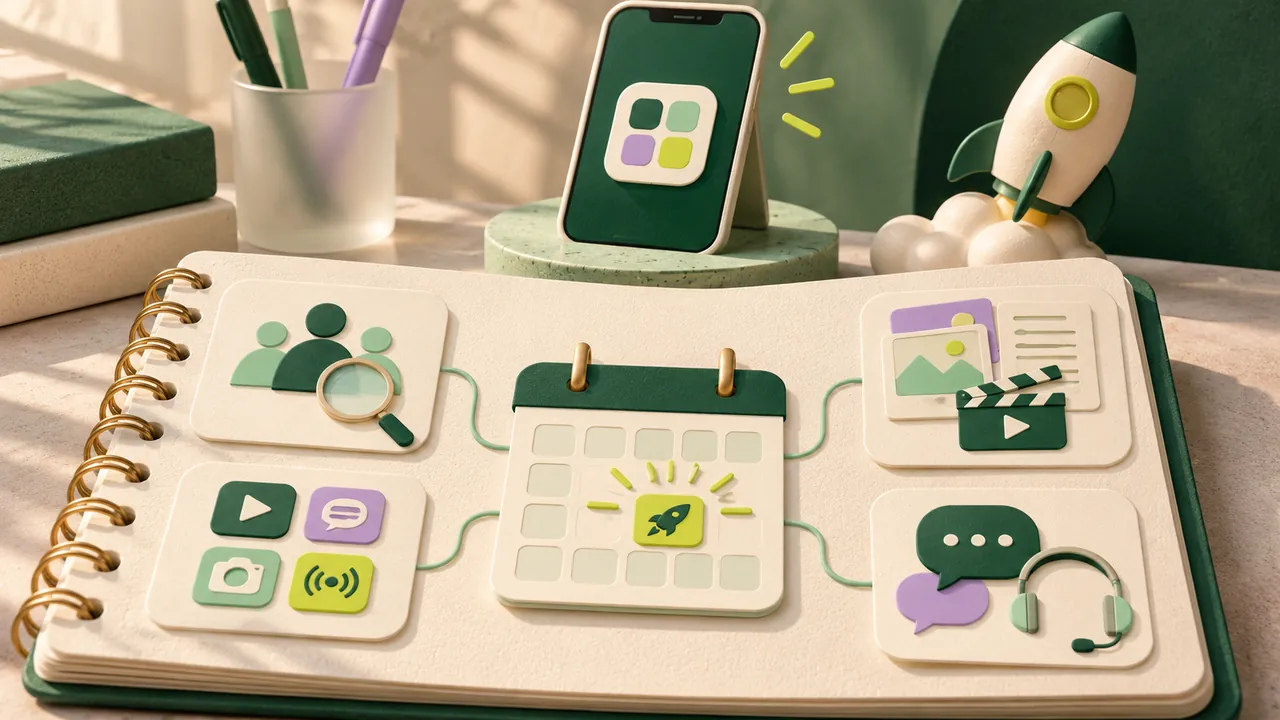
Prepare a demonstration that supports the central promise
Choose a small real workflow. For the reading app, show a permitted sample collection being saved, organized, and opened for a chosen reading session. Avoid spending the whole demonstration on an attractive dashboard that never shows how the task is completed.
Prepare sample material and record with a clean account. Remove private information, notifications, and unrelated interface clutter. Explain preparation that affects the apparent speed or result. A staged sample is useful when it is represented honestly.
Keep a short description, a readable image, and the demonstration aligned. They should explain the same task at different depths. Check the final files on a phone and preserve editable sources for later corrections.
MassPlanner’s Instant Launch Kit can prepare editable graphic layouts from supported public-page material. It helps with companion assets, while the product demonstration still requires suitable footage or captures of the actual app.
Make the promised next step easy to complete
Send each launch message to a destination that immediately confirms the offer. A post about organizing a reading queue should lead to that explanation or example, not an unrelated blog entry or a generic page with several competing products.
State what happens after the main call to action. If visitors join a waitlist, explain what kind of update to expect. If they start a trial, show relevant requirements and limits. If the app needs desktop setup, make that clear before a mobile visitor reaches an unusable screen.
Test signup, verification, first-use instructions, and error recovery in a clean session. Ask an unfamiliar person to try the task without coaching. Record the obstacles and repair the ones that prevent the promised experience.
The Launch Audit can support a public-page review. Treat it as one input alongside actual product testing, not as certification that every account flow, integration, and device works.
Plan content around changing customer questions
Before release, explain the problem and show credible progress without pretending the finished product is available. At release, make the offer and access route clear. Afterward, answer the questions that real visitors raise. Each stage has a distinct job.
Build a manageable set of posts rather than a rigid promise to publish constantly. A product introduction, a useful task demonstration, a common-question answer, and a relevant development update may provide enough material for an initial sequence.
Leave room to adapt. If visitors misunderstand a permission request, explain it. If a serious defect appears, pause invitations that depend on the broken workflow. Continuing a celebratory queue during an unresolved access problem makes the plan less credible.
Keep the sequence coherent for people who see only one post. Do not make every item depend on having watched a previous teaser. A brief reminder of the user, task, and product context helps each contribution stand on its own.
Reserve time for response and recovery
Assign someone to monitor launch questions and an appropriate backup. Prepare routes for technical help, billing questions, and sensitive reports. A public reply should not request private account information or expose a user’s problem unnecessarily.
Keep a shared note of unresolved issues and commitments. If you promise to check compatibility or send access instructions, record who owns the follow-up. Small teams can lose trust through forgotten promises even when everyone is trying to be helpful.
Prepare a delay and incident message. State what is affected, what remains available, and when the next update will come. Do not invent a repair time to sound reassuring. Update the message when the facts change.
For a reading app, an import problem might affect only a particular source format. Explain that boundary and offer a suitable sample route if one exists. Avoid announcing that the whole service is unavailable when the issue is narrow, or minimizing a broad failure as an isolated inconvenience.
Review the route from attention to useful use
Record the content, destination, timing, and relevant product actions. Distinguish views, visits, registrations, first-use completion, and later return activity. These describe different parts of the journey and should not be combined into a single vague engagement total.
Look at questions and obstacles alongside counts. If suitable visitors ask whether the reading queue is private, the destination may need a clearer explanation. If they understand the offer but cannot import a sample, the product path needs work.
Keep comparisons modest when data is sparse. A few successful users can justify another focused test without proving that a channel will scale. A weak response can reflect timing, audience mismatch, unclear content, or a broken destination. Investigate before declaring one cause.
Choose the next improvement and record why. Fix a specific onboarding obstacle, refine a confusing example, or try another suitable community. Do not respond to every uncertainty by multiplying post volume.
Leave a maintainable discovery path after launch
Keep the most useful introduction easy to find and replace outdated claims. Review screenshots, pricing references, and access instructions when the app changes. A post or listing may keep sending visitors long after the initial launch window.
If the product is an AI app suitable for a reviewed MassPlanner listing, provide accurate current details. Treat it as another maintained explanation of the product, with approval and resulting visibility subject to review.
Save the launch brief, approved assets, questions, and lessons. The next release should begin with a clearer understanding of the audience and a more dependable customer path. That is a useful outcome even when the first launch produces learning rather than a dramatic growth story.


